
Bird Feeder Cameras vs. Field Guides: What Learns Faster?
A practical look at how beginners build bird ID skills—and how field guides, apps, feeder cams, and community feedback create faster learning loops.
Learning bird ID is a feedback loop, not a talent

Bird identification isn’t “knowing birds” so much as building a reliable pattern library: shape, behavior, seasonality, and sound. For birding for beginners, the fastest progress usually comes from tight learning loops—observation → repetition → feedback—rather than long study sessions. The more often you notice a bird, attempt an ID, and get a correction (or confirmation), the quicker your brain compresses the details into recognition.
The challenge is that everyday life breaks those loops. Birds visit while you’re in a meeting; the “good look” lasts three seconds; and memory fades. That’s why tools matter. Some tools maximize careful observation (field guides), others maximize repetition (feeder cams), and others maximize feedback (apps and community IDs). Understanding which part of the loop you’re missing helps you choose the right nature tech—and avoid accumulating unreviewed photos and clips that feel productive but don’t improve bird identification skill.
Think of your setup as learning science applied at home: reduce friction, increase quality reps, and add quick feedback. That’s the shortest path to consistent home birding progress.
Field guides, apps, feeder cams, and community IDs: what each accelerates (and what it can slow down)
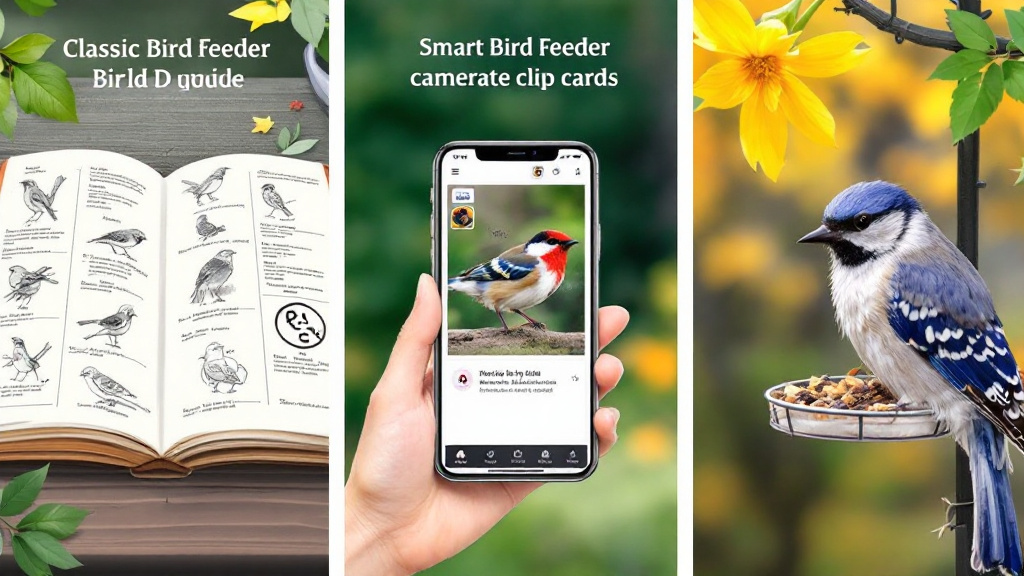
A field guide is still the best tool for learning structure: comparing silhouettes, bill shapes, and key markings across similar species. It promotes deliberate practice—great for deep understanding—but it’s slow when you only get a brief look. ID apps add speed: a quick photo suggestion can nudge you toward the right group, though over-reliance can weaken your attention to field marks. In learning science terms, they can shortcut “desirable difficulty,” which is often where durable learning happens.
Feeder cameras change the game for home birding by multiplying repetitions. You see the same few species many times, in consistent lighting and angle, which is ideal for beginners. The downside is noise: many cameras create hours of unfiltered footage, and “more data” isn’t more learning if you never review it.
Community IDs (forums, group chats, local clubs) provide the strongest feedback. They correct errors and teach nuance—sex/age differences, molt, seasonal variation. But they can be slow and socially demanding. The fastest path to confident bird identification usually blends these tools so you get frequent sightings, quick triage, and high-quality corrections.
A practical “learning stack” for busy beginners (and why highlight-first cameras help)
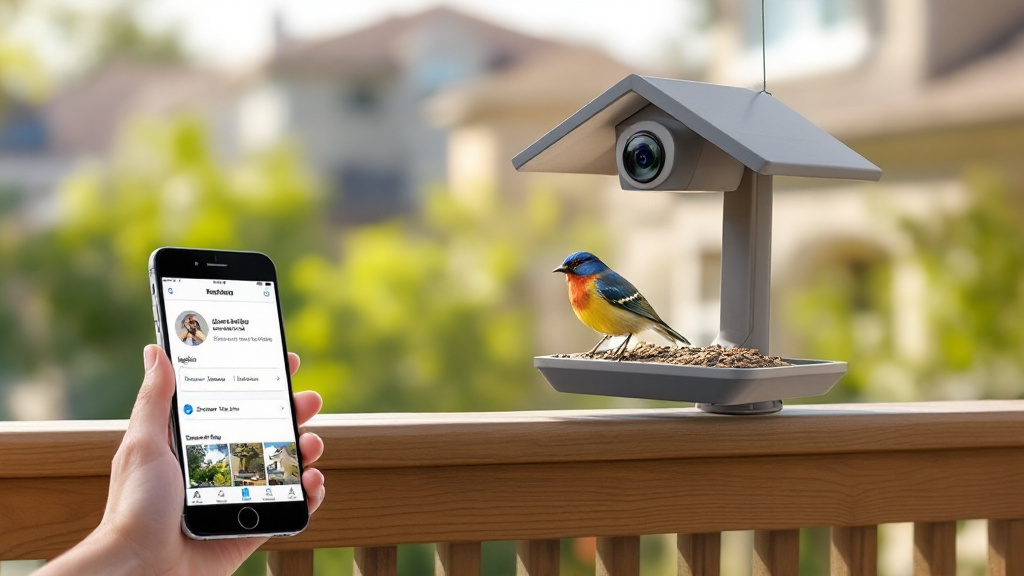
If you want steady progress without turning birding into a second job, build a simple stack. Start with a feeder cam or window-friendly setup to guarantee repetitions—then pair it with a field guide for deeper comparisons when you’re curious. Use an app for quick suggestions, but treat it like a hypothesis generator: ask, “What field marks would confirm this?” Finally, get feedback: a local birding group, a friend, or a community ID post when you’re uncertain.
The key is reducing review friction. A highlight-first approach—where the device detects real visits, labels likely species, and surfaces short “best shot” moments—keeps learning focused. That’s the difference between “I recorded birds” and “I practiced bird ID.” Systems like FeatherSignal Labs’ concept (on-device vision, labeled highlight cards, and optional cloud-backed history) aim to close the loop: you miss fewer visits, you see repeated examples, and you confirm uncertain IDs.
Over time, those confirmations become intuition. You’ll recognize regulars instantly, spot newcomers faster, and build a meaningful life list—exactly what nature tech should enable for birding for beginners.